Monster Battles in Monster Lab Simulator: Combat, Tempo, and Recovery Guide
If you searched monster battles, you might be thinking of a general monster game or even the separate Steam title called Monster Battles. This page is about Monster Lab Simulator, where battles are part of the lab loop, not a side mode. The official game loop places battles alongside synthesis, orders, and upgrades, so the goal is not just to win fights. The goal is to keep the lab moving.
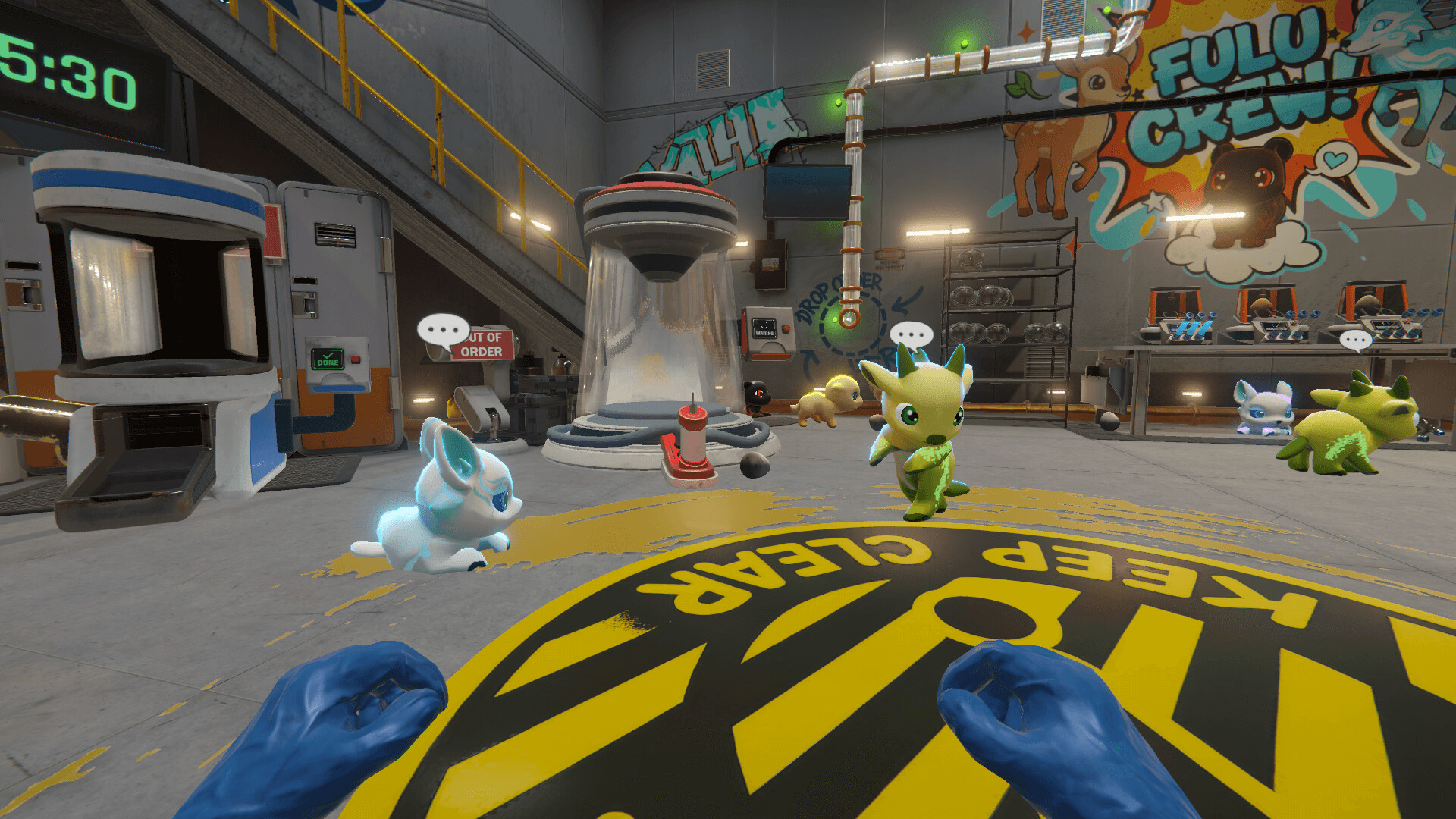
Battle formats at a glance
The simulator includes multiple battle formats, including tournaments and free matches. Each serves a different purpose.
- Tournaments test your best team and reward stable rosters.
- Free matches are where you experiment with new Fulus and element coverage.
Use tournaments for results and free matches for learning. This split keeps your lab stable while your roster improves.
Recovery is the pacing system
Fulus recover in habitats that match their element. If you do not have matching habitats, your strongest team will sit idle and your battle tempo will collapse.
A stable recovery loop looks like this:
- Build habitats for the elements you use most.
- Rotate your main team after every heavy fight.
- Keep a backup roster so you can keep fighting while your main team recovers.
The Habitats Guide covers layouts and recovery flow in depth.
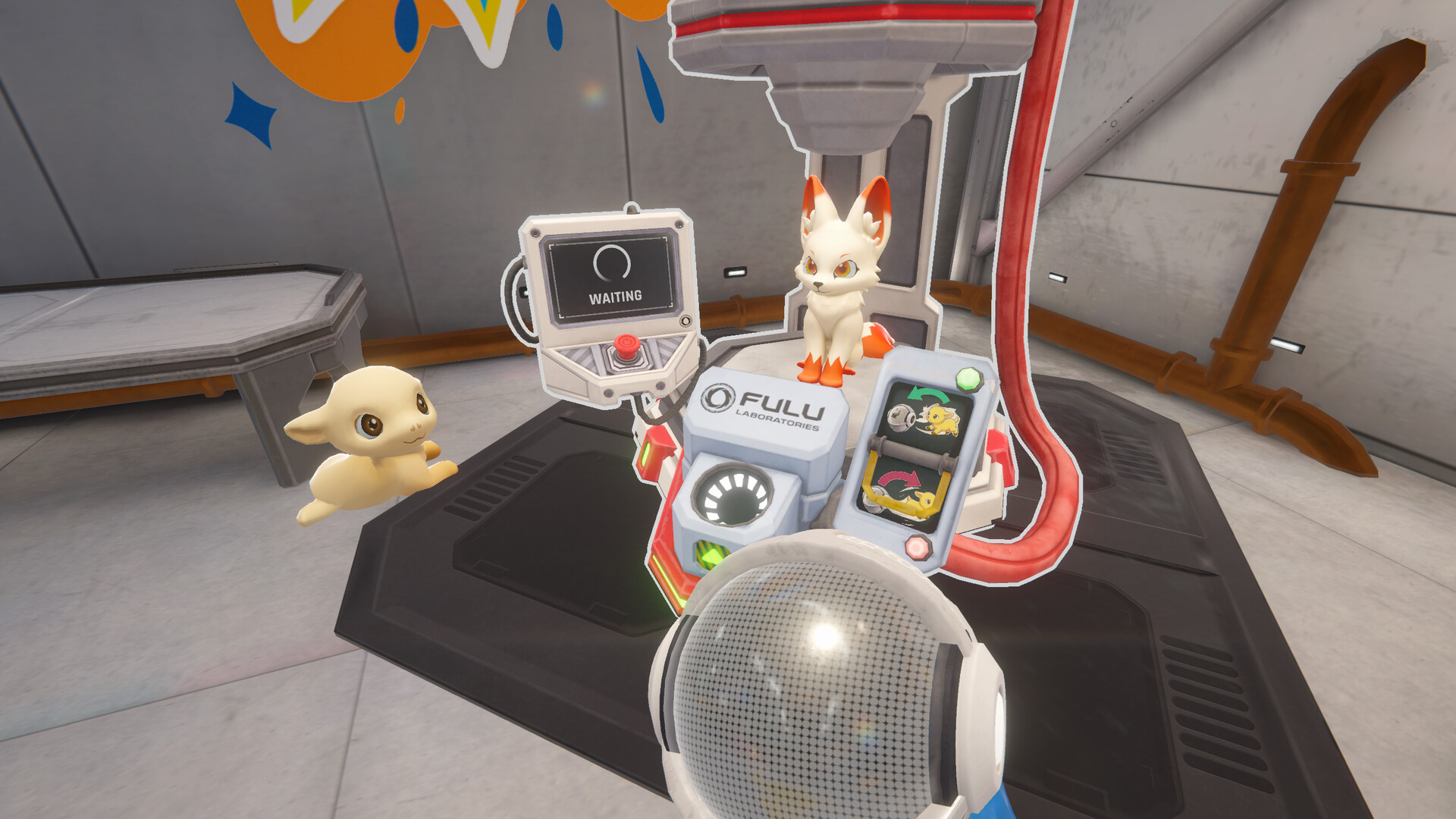
Battles and the lab economy are one loop
Battles fund upgrades. Upgrades increase synthesis speed. Synthesis produces stronger Fulus. Stronger Fulus win more battles. If any part of that loop breaks, your progress slows.
A practical battle loop:
- Run free matches to test new Fulus.
- Rotate the tested team into habitats.
- Run tournaments with your stable core team.
- Spend rewards on upgrades and synthesis.
This is how you keep battles profitable without draining your recovery time.
Team building without chasing short-term meta
Early Access balance can shift. Instead of building for one patch, build for stability.
- Element coverage prevents hard counters.
- One steady damage core stabilizes fight length.
- One flexible slot lets you test new Fulus without breaking the team.
If you want deeper battle frameworks, read Combat Modes and Battle Duration.
Avoid the name trap
There is a separate Steam game called Monster Battles. It is not related to Monster Lab Simulator. If the store page does not mention synthesis, Fulus, or lab management, you are looking at the wrong game.
Version notes
Combat depth will expand during Early Access. If a patch changes battle pacing, update your rotation and recovery plan first, then revisit team composition.
FAQ
How do I recover Fulus faster between battles? Use matching element habitats, rotate your main team after heavy fights, and keep a backup roster to avoid downtime.
Should I focus on tournaments or free matches? Use free matches to test and tune. Use tournaments for stable rewards once your core team is proven.
Why do battles feel slow in my build? Slow battles usually mean poor recovery flow or weak element coverage. Fix habitats first, then revisit team composition.