Guide
Hygiene & Fulu MoodHygiene & Fulu Mood Guide
The lab is a living system. When hygiene drops, production slows and Fulus become harder to manage. This guide gives you a clean routine for keeping the lab healthy and your Fulus calm during Early Access.
12-16 min read
All Players
Updated Feb 2026
What You'll Learn
Daily hygiene routine
Mischief and mood warning signs
Layout choices that reduce mess
Recovery planning after battles
How to log hygiene issues
Mistakes that drain uptime
Why Hygiene Matters
Official descriptions emphasize lab health and mischievous Fulus. Hygiene is a production multiplier: clean labs keep machines running smoothly, shorten downtime, and prevent cascading slowdowns during long synthesis runs.
Positive Signals
- Machines complete cycles without delays.
- Fulus recover at expected speeds.
- Orders flow without sudden stalls.
Warning Signs
- Repeated delays between machine cycles.
- More frequent accidents or interruptions.
- Recovery taking longer than usual.
Daily Hygiene Routine
Start of Session
- Walk the lab and clear bottlenecks.
- Check for hygiene alerts or slow zones.
- Move exhausted Fulus into habitats.
Mid-Session
- Insert a cleanup window between batches.
- Fix any stalled machines before queueing more.
- Track which areas get messy fastest.
End of Session
- Leave the lab clean for the next login.
- Log any recurring hygiene issues by version.
- Queue recovery so Fulus start fresh next session.
Fulu Mood & Mischief Control
Mischievous behavior increases when recovery and care routines are ignored. The safest approach is to keep habitats aligned with element types, rotate tired Fulus out of high traffic zones, and avoid overcrowding during long synthesis runs.
Calming Practices
- Rotate battle teams into matching habitats immediately.
- Keep 1-2 idle slots in habitats for quick swaps.
- Use orbs to preserve your best Fulus before risky tests.
Lab Layout Tips
- Keep habitats on the return path from battle stations.
- Separate high-traffic machines to reduce congestion.
- Leave space for future expansions without crowding routes.
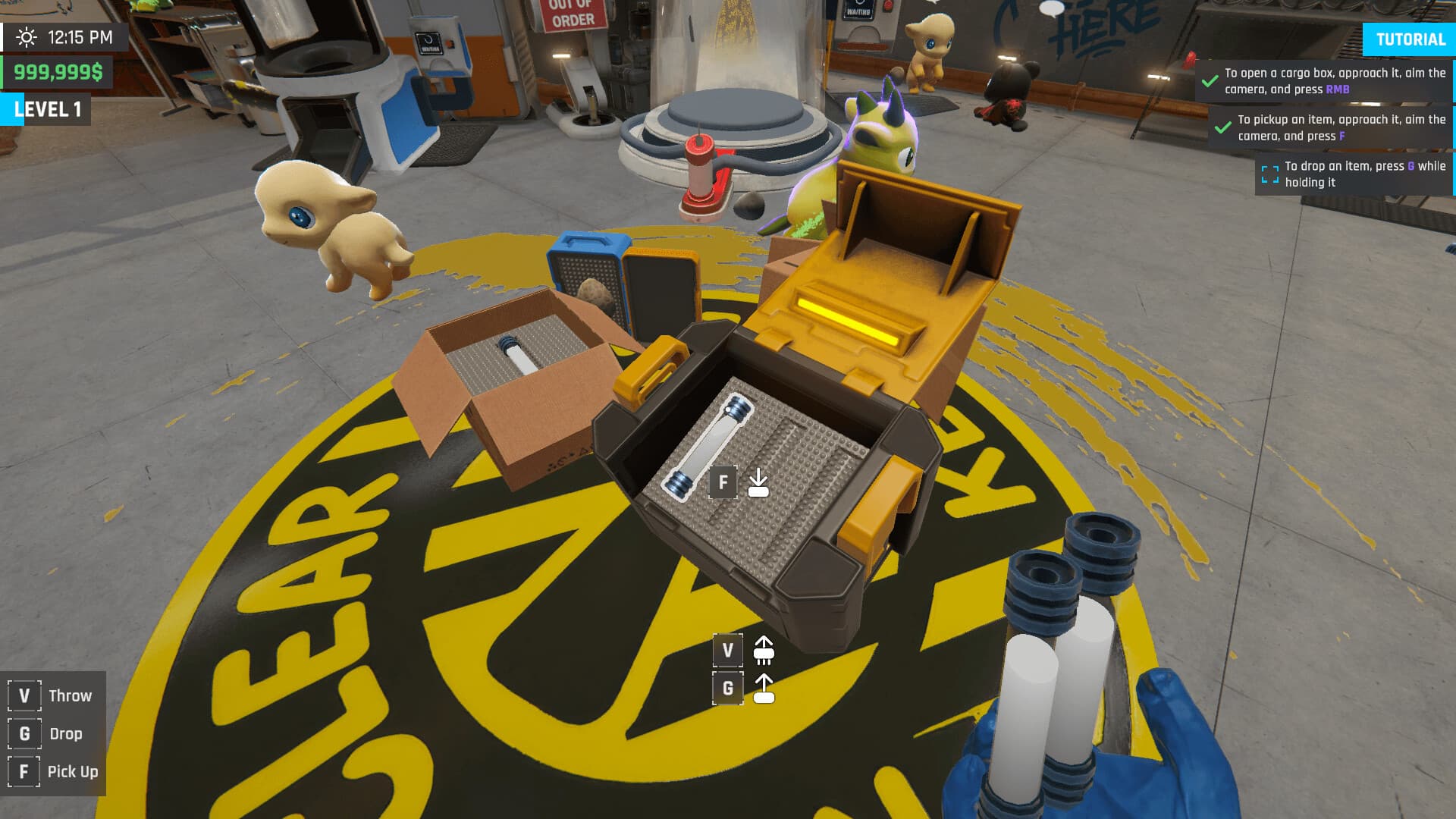
Log hygiene issues with full screenshots and your build version.
Weekly Hygiene Checklist
- Run a cleanup window before long synthesis batches.
- Log any machine slowdowns with version details.
- Keep recovery habitats aligned with your active elements.
- Leave room for movement between habitats and machines.