Lab Notes #03: Video Field Guide for Early Access
This field guide turns the most-viewed Monster Lab Simulator YouTube results into a clear, repeatable Early Access routine. The top videos include long no-commentary gameplay sessions and an Early Access first look, so this guide doubles down on the core loop: synthesis, pet care, orbs, fusion timing, and boss readiness. Every step is written to be version-safe — log your build number, keep screenshots, and treat any unverified data as temporary until the next patch confirms it.
1) What the Top Videos Emphasize
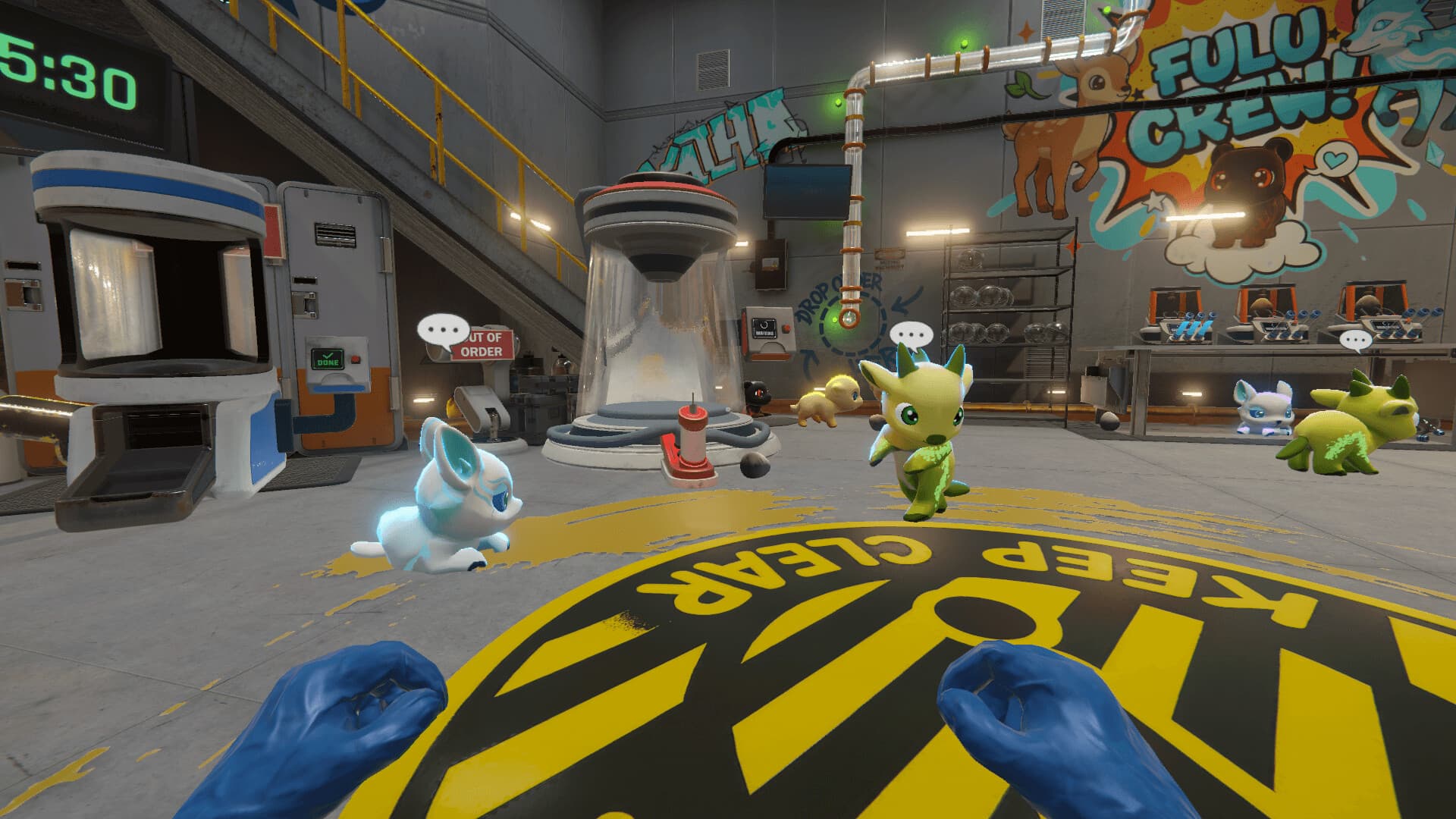
The most popular YouTube uploads revolve around long-form gameplay and the satisfaction of hatching monsters. Together they signal what players care about most right now: the moment-to-moment loop, the feel of the lab, and whether synthesis is repeatable. This guide assumes you want dependable routines, not one-off experiments.
- Long-form gameplay suggests the true test is keeping your lab stable for hours.
- Monster-making videos focus on the satisfaction of hatching and roster growth.
Video Snapshot (Most-Viewed Results)
These are the most-viewed Monster Lab Simulator videos found on YouTube at the time of writing. Use them as visual references for the Early Access loop.
- Early Access long gameplay (no commentary) — best for long-session pacing.
- Full-game walkthrough (no commentary) — useful for end-to-end lab flow.
- Early Access first-look gameplay — highlights onboarding and early synthesis choices.
2) Synthesis First: Build a Repeatable Recipe Log
Your synthesis log is the backbone of every other system. Every new essence trio should be logged with date, output, and game version. If a patch changes outcomes, you need the evidence to know which recipes still work. The best early labs treat synthesis like a science notebook: small batches, reliable notes, and careful re-tests.
- Record the exact essence trio, output name, element, and stage.
- Add the build or patch number beside every entry.
- Retest any high-value recipe after a patch before mass production.
- Use the Breeding Calculator to cross-check known recipes.
3) Pet Care: Orbs, Recovery, and Hygiene
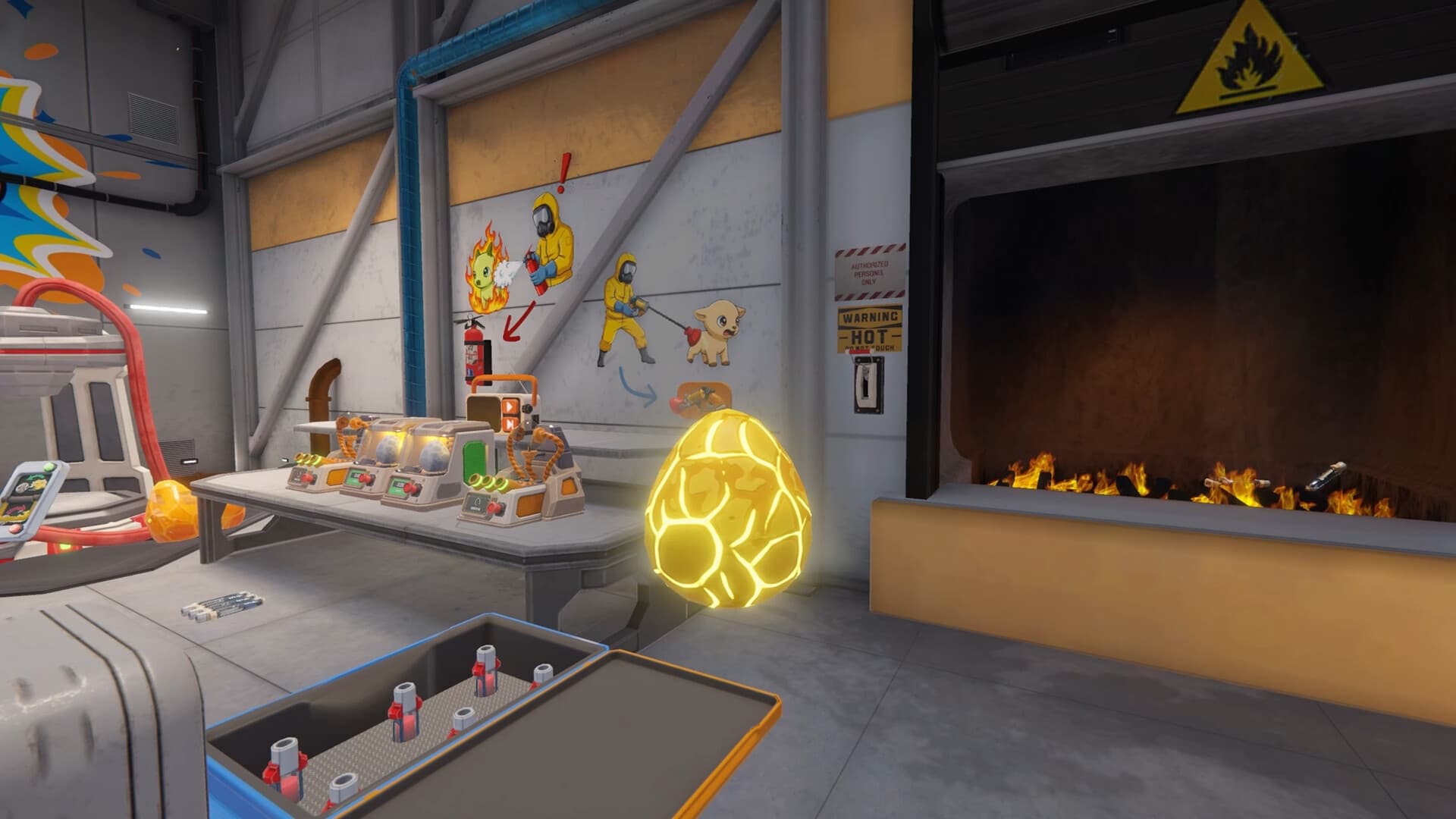
Monster Lab Simulator rewards players who treat Fulus like long-term assets. Orb your best monsters to preserve their stats, then rotate them through matching habitats for fast recovery. Hygiene matters: messy labs slow everything down, so treat cleanup windows like part of your production cycle.
- Orb any Fulu that anchors your battle team or order pipeline.
- Keep at least one backup per element so battles never stall.
- Schedule recovery breaks after every combat set.
- Do a quick hygiene sweep before long synthesis queues.
4) Fusion Timing: Merge With Intent
Early Access builds emphasize three-to-one merging for evolution. The key is timing. Never merge your last copy of a reliable order or battle Fulu. Instead, build a small pool of duplicates, orb the best one, and use the extras for fusion. This keeps your roster stable even if balance changes land.
- Keep one orbed backup before any fusion attempt.
- Fuse only after your order pipeline is stable for the session.
- Document fusion results with version tags, just like recipes.

5) Boss & Tournament Readiness
The official descriptions emphasize turn-based battles, tournaments, and legendary fights. That means your lab must produce battle-ready teams on schedule. Build element coverage first, then polish with rare or evolved Fulus. Keep a recovery plan for every tournament run, and log outcomes so you can refine your counters over time.
- Run a balanced squad with coverage across the core elements.
- Store orb backups so you can recover quickly after losses.
- Track boss attempts with build numbers and evidence.
6) Economy Rhythm: Orders, Upgrades, and Storage
A steady economy keeps your synthesis loop alive. Orders fund upgrades, orbs convert strong Fulus into cash, and storage discipline prevents your lab from clogging. Treat every session like a short sprint: clear the orders you can finish, sell duplicates you do not need, and reinvest into machines that improve cycle time.
- Prioritize orders with repeatable inputs over risky experiments.
- Use orbs to sell duplicates without losing your best roster.
- Upgrade machines that shorten synthesis or recovery cycles.
7) The 60-Minute Lab Routine (Repeatable)
Use this loop between patches. It keeps your lab productive while leaving time for experimentation. Adjust the minutes to fit your session length.
- 0-10 min: Check hygiene, rotate exhausted Fulus into habitats, queue synthesis.
- 10-25 min: Run two to three order batches and log any new recipe outcomes.
- 25-40 min: Battle or tournament set, then move the roster into recovery.
- 40-50 min: Orb top performers, sell duplicates, restock essences.
- 50-60 min: Update your recipe log and set the next synthesis queue.
Video Watchlist & Sources
These were the most-viewed Monster Lab Simulator videos at the time of writing. Use them as visual references alongside the official descriptions and the wiki tools.
- Monster Lab Simulator | No Commentary Long Gameplay (Zogguko)
- MONSTER LAB SIMULATOR EARLY ACCESS Gameplay Walkthrough FULL GAME No Commentary (Zhain Gaming)
- Monster Lab Simulator Early Access - First Look! (Anatlus89)
- Steam Store Page (official features)
- Official Site (feature overview)
Note: This guide is based on video titles/descriptions plus official game descriptions. Always verify mechanics and numbers in your current build.